

Compare Time Blocking vs To Do Lists to see which system stops procrastination. Learn why traditional lists fail and discover the hybrid framework that works.
Table of Contents
- The Great Productivity Myth: Why You’re Always Busy But Never Done
- The To Do List: The Dopamine Trap We Can’t Quit
- Enter Time Blocking: The Main Character Energy of Scheduling
- Face Off: To Do Lists vs. Time Blocking
- The Verdict & The Ultimate Fix: The ‘Block-Do’ Hybrid System
- How to Implement Time-Blocking in 5 Minutes a Day
- Frequently Asked Questions (FAQs)
The Great Productivity Myth: Why You’re Always Busy But Never Done
Let’s be real for a second. You wake up with big main character energy. You open your notes app or pull out a fresh aesthetic notebook, and you write down 15 things you’re going to achieve today. You feel organized. You feel unstoppable. You feel like a productivity icon.
Fast forward to 9:00 PM. You’ve crossed off three minor items replying to an email, changing your Spotify playlist, and organizing your downloads folder while the huge, high-priority project is still staring at you, completely untouched. Sound familiar?
This isn’t a personal flaw. You don’t lack willpower or discipline. The actual culprit? You are using an outdated, broken framework: the traditional To Do List.
In this deep dive, we’re pitting the classic To Do List against the reigning heavy hitter of deep focus, Time Blocking. We’ll break down the neuro psychology behind both, expose why traditional lists trap you in fake productivity, and reveal the exact hybrid system you need to crush your goals without burning out.
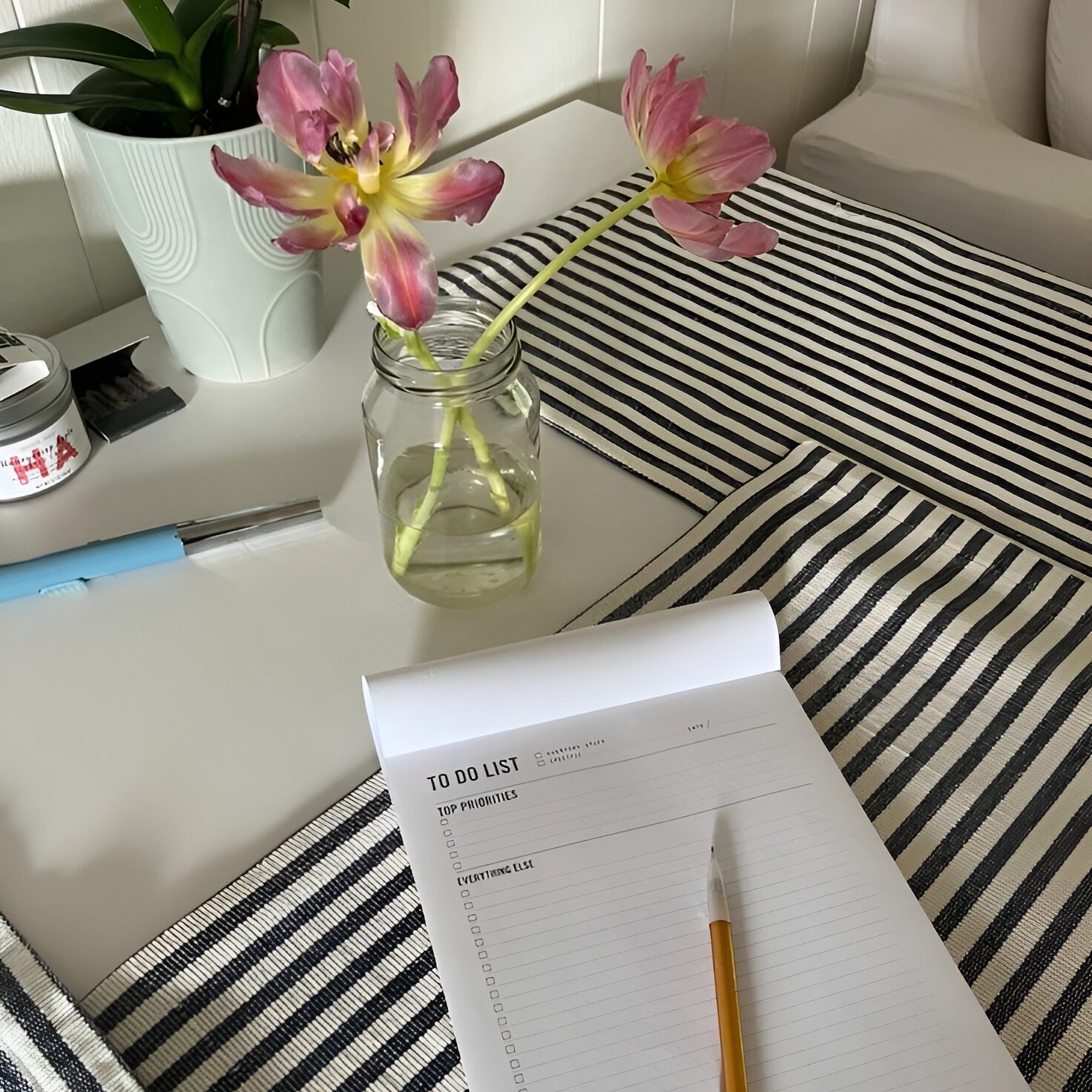
The To Do List: The Dopamine Trap We Can’t Quit
To-do lists are the default productivity tool for a reason. They require zero learning curve and offer instant psychological satisfaction. But beneath that cute check-mark box lies a hidden cognitive trap.
Why We Love To Do Lists (The Psychology)
When you write a task down, your brain feels immediate relief. Psychologists call this the ‘Zeigarnik Effect’ our brain’s tendency to remember uncompleted tasks and keep us in a state of mental tension until we dump them out onto paper.
- Instant Dopamine Hits: Checking off a box releases a micro hit of dopamine, making you feel instantly productive.
- Zero Barrier to Entry: You just open an app or grab a sticky note and start typing. No setup, no rules.
- Flexibility: A list doesn’t care when or where you do things. It just sits there waiting.
Why To-Do Lists Fail Us (The Dark Side)
Here is the brutal truth: A traditional to do list treats every task as equal. A 2 minute task like ‘water the succulents’ looks identical on paper to a 4 hour high-stakes task like ‘write the Q3 strategy proposal.
- The Low-Effort Bias: Faced with a list of 10 items, your brain naturally gravitates toward the easiest tasks first to get that cheap dopamine. You check off 7 small things, feel busy, but miss your most important goal.
- Decision Fatigue: Every time you finish a task, you have to look at your list and decide, ‘What should I do next?’ That constant micro-decision drains your mental battery by 2:00 PM.
- The Infinite Scroll Effect: To do lists only expand. They rarely shrink. Going to bed with 8 uncrossed items creates background anxiety and guilt.
Enter Time Blocking: The Main Character Energy of Scheduling
If a to-do list is a wish list, Time Blocking is a budget for your time.
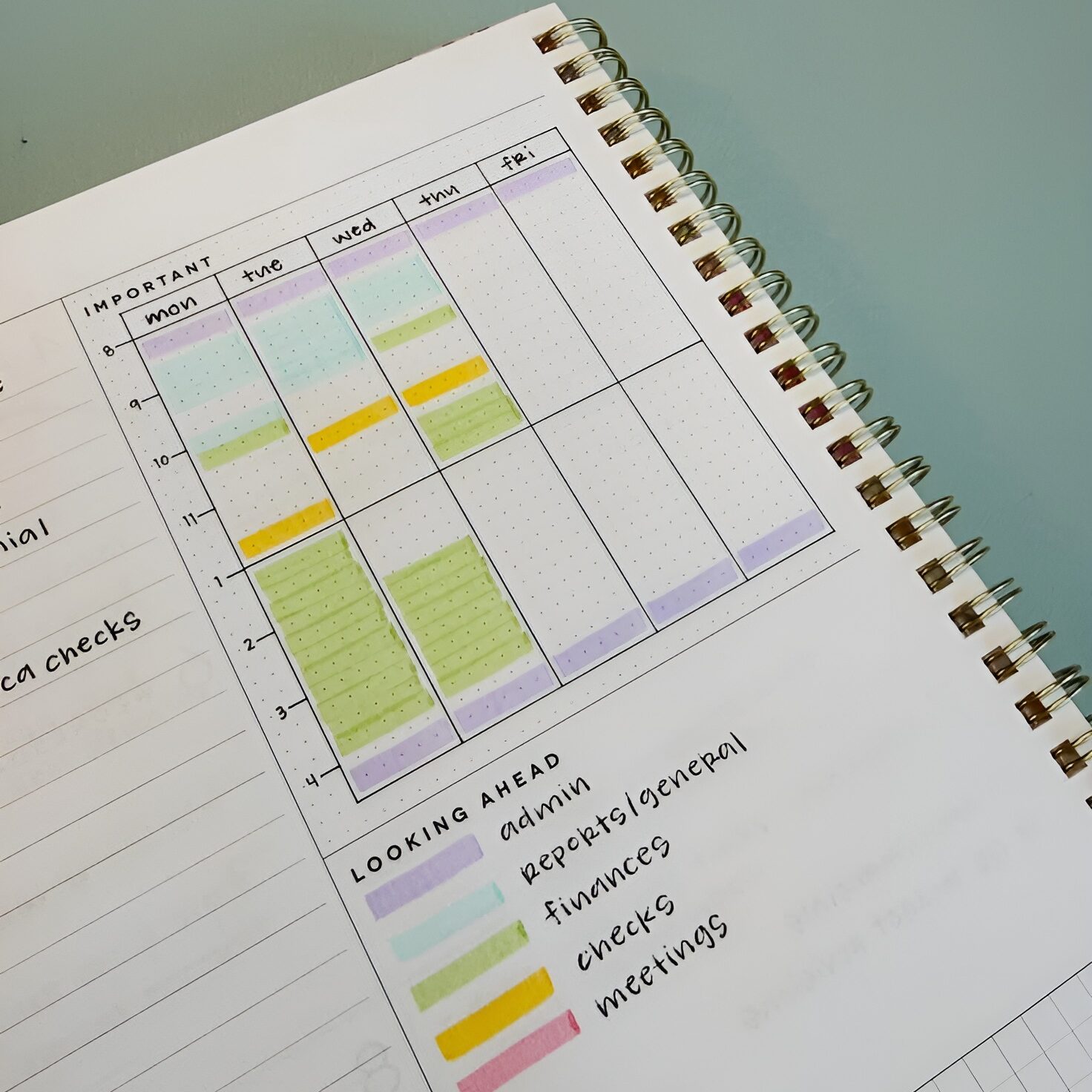
Popularized by deep work experts and tech leaders, time blocking means dividing your day into dedicated chunks of time. Instead of asking ‘What should I do today?’, you ask ‘WHEN will I do this, and HOW LONG will it take?
How Time Blocking Cures Brain Rot & Procrastination
Time-blocking forces you to respect the physics of time. There are only so many hours in a day, and when you map tasks onto a calendar grid, magic happens:
- Cures Parkinson’s Law: Parkinson’s Law states that ‘work expands to fill the time allotted for its completion.’ If you give yourself ‘all day’ to write an article, it will take all day. If you block out 90 minutes on your calendar, your brain naturally locks into execution mode.
- Eliminates Decision Fatigue: When 10:00 AM arrives, you don’t choose what to do. Your calendar already decided: 10:00 AM to 11:30 AM is Deep Work. You just execute.
- Protects Deep Focus: By grouping similar tasks (like batching all emails into a 30 minute block at 4 PM), you prevent context switching the focus killer responsible for losing up to 40% of productive time.
Where Time-Blocking Can Feel Suffocating
Time blocking isn’t without its challenges. If you try to schedule every single minute with military precision, one unexpected phone call or traffic jam can derail your entire day, causing ‘calendar panic.’
Face Off: To Do Lists vs. Time Blocking
Let’s break down how both systems perform across key daily productivity metrics:
| Feature / Metric | Traditional To-Do List | Time-Blocking Method |
| Focus Level | Low (Fragmented, task-hopping) | High (Single-task deep work) |
| Setup Effort | Instant (30 seconds) | Moderate (5,10 mins daily) |
| Overwhelm Risk | High (Endless rolling list) | Low (Finite daily capacity) |
| Flexibility | Extremely High (Do whenever) | Moderate (Requires buffer blocks) |
| Priority Control | Poor (Favors small easy tasks) | Excellent (Big rocks scheduled first) |
| Best Suited For | Quick errands & grocery lists | Deep work, creators & professionals |
The Verdict & The Ultimate Fix: The ‘Block-Do’ Hybrid System
So, which one actually wins?
The Answer: Neither system works perfectly in isolation. Pure to do lists create chaotic overwhelm, while hyper rigid, time blocking creates claustrophobia.
The highest performers and smartest Gen Z creators don’t choose one. They use a Hybrid System: The ‘Block Do’ Method.
| 💡 The 4 Step ‘Block Do’ Blueprint Step 1: The Evening Brain Dump (To-Do Component): Write down every raw idea and task into a master unsorted list at night. Step 2: Pick Your ‘Big 3’ Non Negotiables: Select the 3 highest-leverage tasks that MUST get done tomorrow. Step 3: Block the Big 3 First (Calendar Component): Put 60-to-90 minute blocks on your calendar for these top priorities during your peak energy hours. Step 4: The ‘Flex Block’ Buffer: Reserve a 60 minute ‘Catch-Up / Admin Block’ in the afternoon. Use this block as a buffer to knock out small to do list items or handle unexpected delays. |
How to Implement Time-Blocking in 5 Minutes a Day
Ready to level up your workflow? Here is your exact 5-minute daily setup routine:
- 1. Map Your Energy, Not Just Time: Are you a morning owl or a night thinker? Schedule your hardest creative work during your highest energy window. Never waste prime brainpower on checking emails.
- 2. Theme Your Days: If you juggle multiple roles, try day-theming. For example: Mondays = Content Planning, Tuesdays & Wednesdays = Execution & Writing, Thursdays = Admin & Meetings, Fridays = Review & Learning.
- 3. Always Add 20% Buffer Time: Tasks almost always take longer than you think (the Planning Fallacy). If you think editing a video will take 60 minutes, block out 75 minutes. That extra 15 minutes absorbs life’s chaos.
- 4. Use Aesthetics to Boost Motivation: Color code your calendar! Use soft, soothing colors (sage, lavender, warm amber, slate blue) rather than high-stress harsh red tones.
Frequently Asked Questions (FAQs)
Q1: What if my job is full of unexpected interruptions?
Answer: Don’t block your entire day tight. Block only 50% of your day (e.g., 2 to 3 hours for deep focus in the morning). Leave the afternoon as ‘Open Reactive Time’ to deal with emails, Slack messages, and urgent requests.
Q2: What are the best apps for time-blocking in 2026?
Answer: Top picks include Google Calendar (free & classic), Notion Calendar (great integration with Notion databases), Sunsama (premium guided daily planning), and Motion (AI-powered auto-scheduling).
Q3: Isn’t time-blocking too rigid for creative minds?
Answer: Paradoxically, structure creates freedom. When you block out dedicated time for creativity, you eliminate the guilt of feeling like you should be doing something else. It gives your mind explicit permission to create without distraction.
Q4: How long should a single time-block be?
Answer: Science recommends 60 to 90 minutes. Human brains operate on ‘ultradian rhythms’—we maintain peak focus for up to 90 minutes before needing a 10 15 minute cognitive reset.